1. Be clear
Choose one task
Write the next useful result. Keep it small enough for one session.
Free Focus Timer
Pick a task. Choose a time. Work on that one thing until the timer ends.
A clear finish line
25:00
A good place to start when you are unsure.
Free focus timer
Choose one task and run a simple focus session for 2, 10, 25, 45, or 60 minutes.
Ready to focus
Focus session complete.
Take a short break or choose the next useful step.
See how Focus Lock blocks distracting appsYour task and timer stay in this browser. Nothing is sent to LyfeArc.
1. Be clear
Write the next useful result. Keep it small enough for one session.
2. Make space
Close extra tabs. Silence your phone. Make the task easier to stay with.
3. Begin
Let the timer create the starting point. You only need to finish this block.
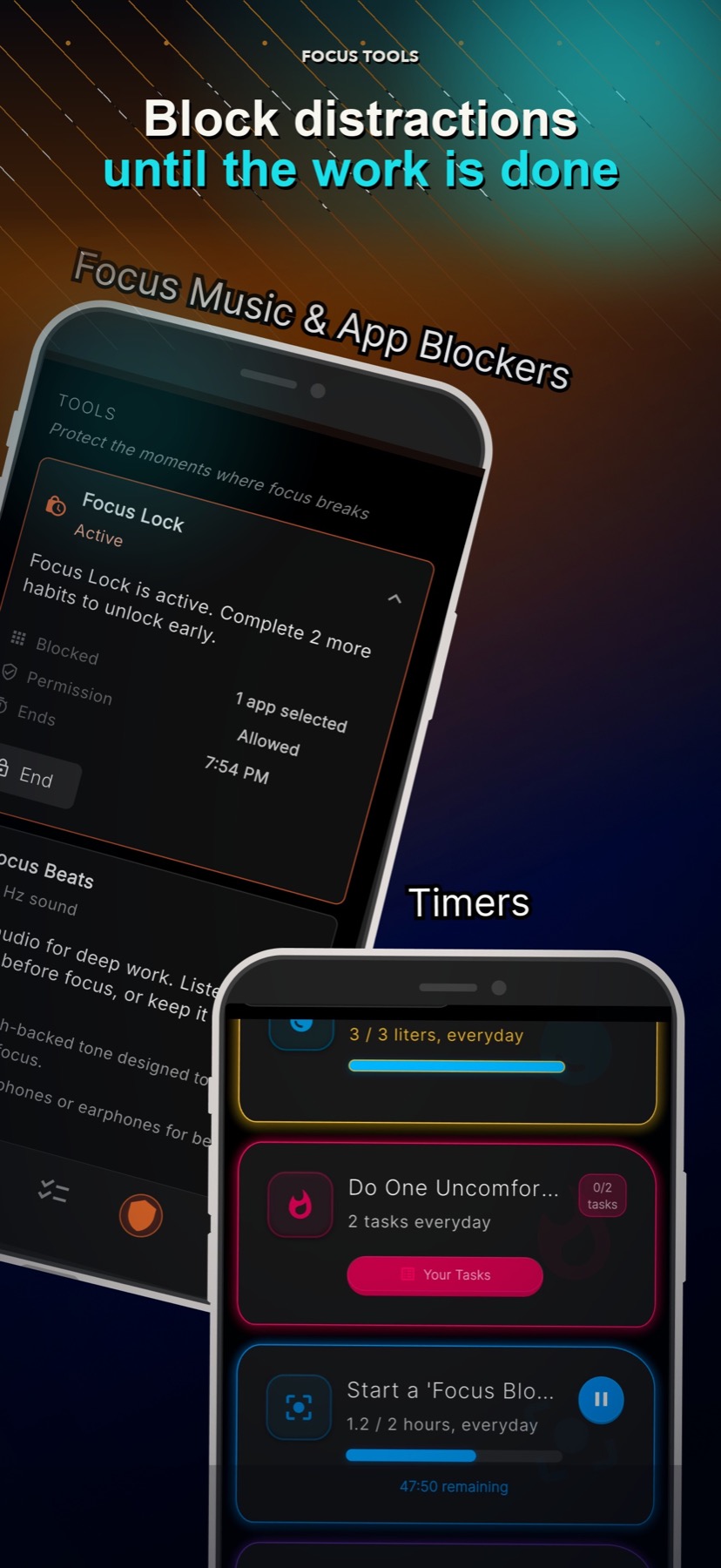
Need a stronger boundary?
A timer gives the work a clear end. Focus Lock can also block selected distracting apps while you work.

Download LyfeArc for goal plans, focus tools, and visible progress.
Focus timer FAQ
A focus timer gives one task a clear start and end. It can make a work session feel easier to begin.
Start with 25 minutes. Try 10 minutes on a hard day or 45 minutes when you need a longer work block.
No. This browser timer is a simple countdown. LyfeArc Focus Lock can block selected apps during a focus session.
Yes. The task and active timer are saved in your browser so you can return after a refresh. Nothing is sent to LyfeArc.