App Blocking
Focus Lock: Block Distracting Apps
Focus Lock blocks selected distracting apps during an active session and can unlock when your Daily Quest is complete.
Quick answer
Focus Lock puts a boundary around distracting apps while you work on the actions that matter.
Try the free focus timer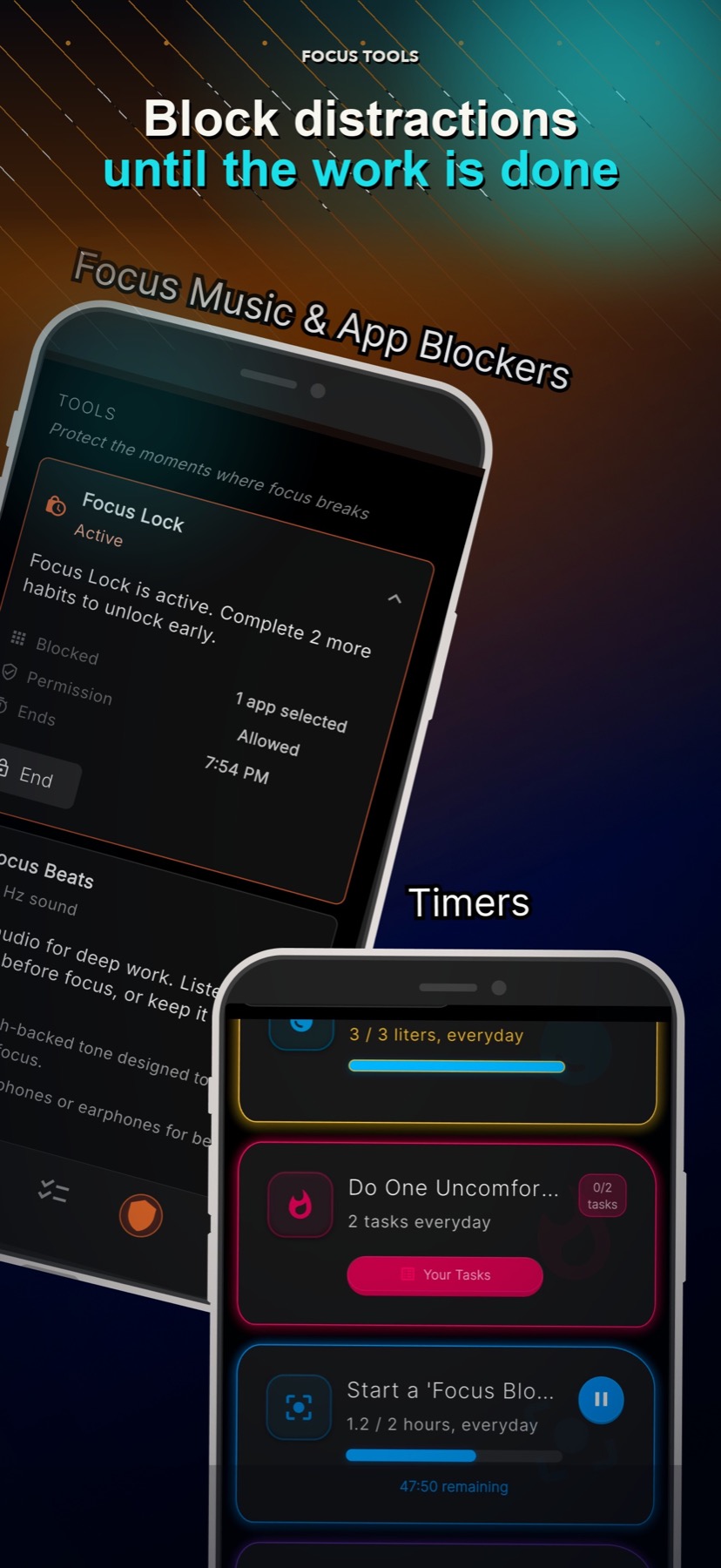
Choose which apps to block
Start a session when you need it
Unlock after completing your Daily Quest
Add an optional end time
Why it matters
How it supports your goal
Protect the starting moment
Remove the easiest escape before you begin important work.
Connect access to progress
App access can return after the daily actions are complete.
Keep a safe way out
The system adds friction but includes an intentional escape flow.
Task-based app blocking
Instead of blocking apps for a random number of minutes, Focus Lock can tie the session to the work in your Daily Quest.
Built for real phones
Focus Lock uses supported iOS and Android permissions. The exact behavior can differ by device and permission settings.
Good to know
What this feature does and does not do
Clear limits help you choose the right tool for the moment.
- Blocking depends on supported phone permissions.
- Sessions are started manually.
- Focus Lock includes a 10-second escape flow and is not an impossible lockout.
FAQ
Can Focus Lock unlock apps after tasks are complete?
Yes. A session can end when your Daily Quest is complete, or at an optional end time.
Can I choose which apps are blocked?
Yes. You select the distracting apps for the session.
Is Focus Lock impossible to bypass?
No. It is designed to add useful friction while keeping an intentional escape path for safety.