
Gamified Productivity App

A gamified productivity app built for real follow-through

LyfeArc turns your goal into a clear daily plan. Complete useful actions, earn progress, and see your effort grow without depending on a perfect streak.

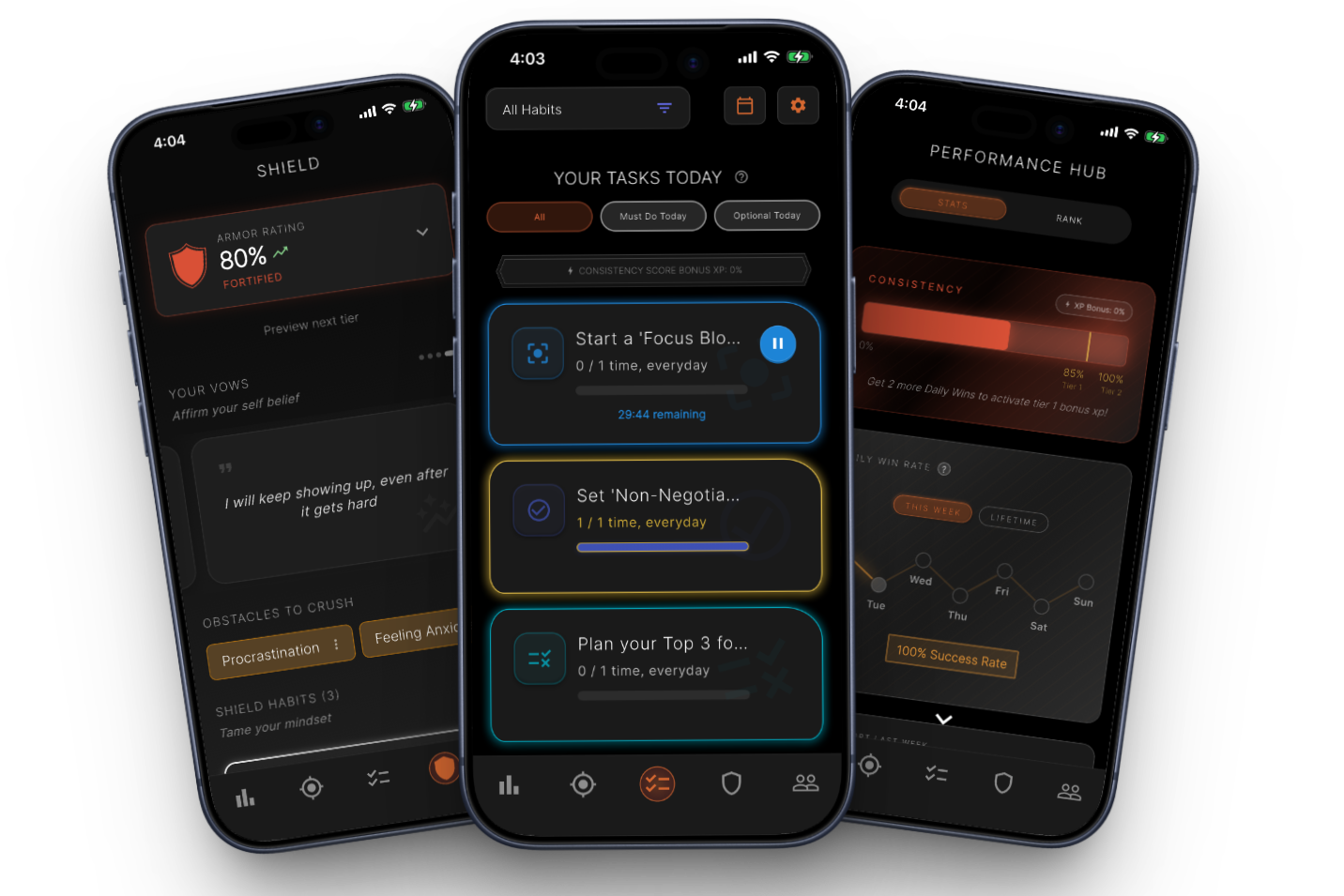
Real LyfeArc screens showing Shield, daily actions, and progress.
Real screens from LyfeArc.

How it works

A clear path from goal to action

Step 1

Choose your goal

LyfeArc builds a practical plan around the result you want.

Step 2

Follow today's plan

Your Daily Quest shows the actions that matter now, without a long list.

Step 3

Grow your Life Orb

Completed habits create energy you can channel into your Orb and Grove.
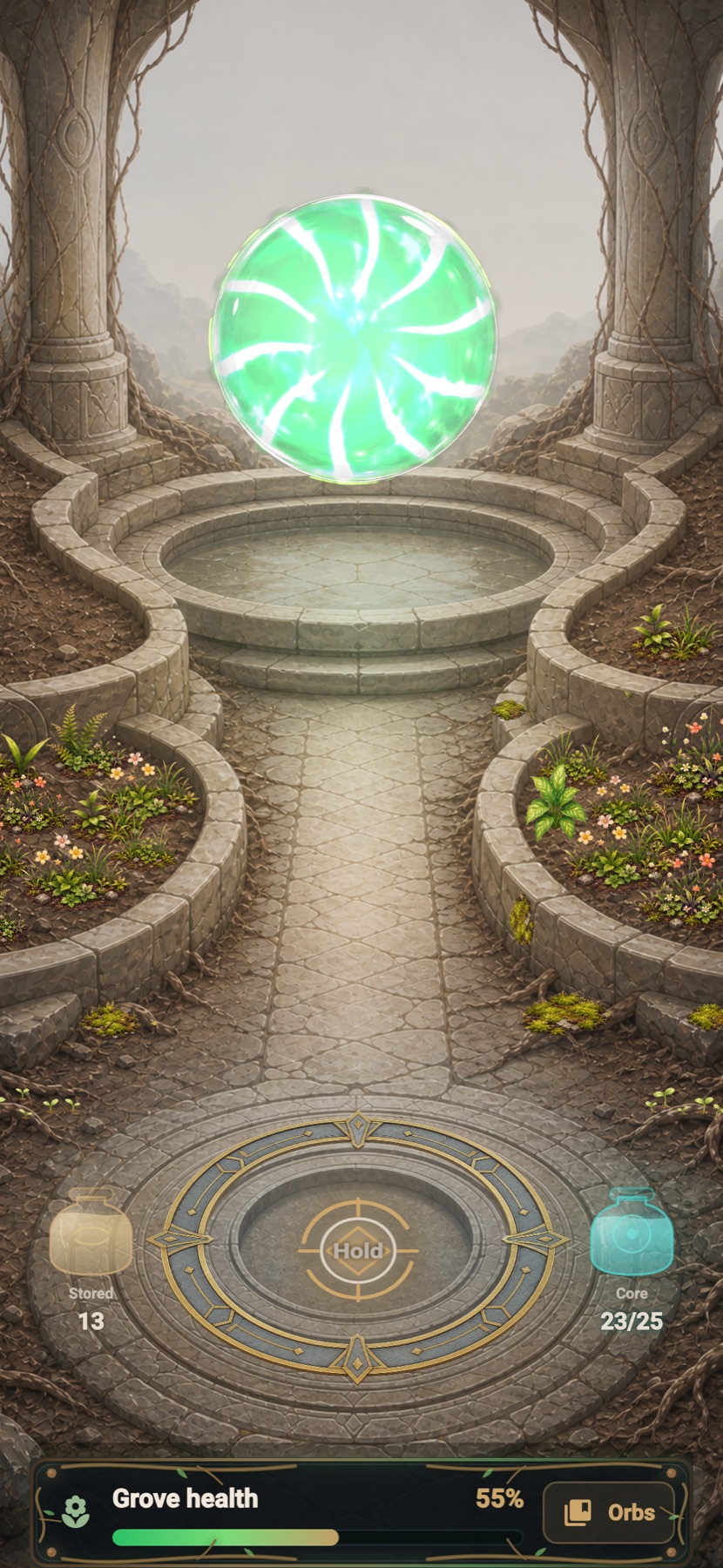
LyfeArc Life Orb screen with a charged orb, growing Grove, stored energy, and Grove health.
The live Life Orb and Grove screen in LyfeArc.

Life Orb and Grove

See completed effort come to life

Eligible completed habits create stored energy. When you choose, channel it into your Life Orb and watch your Grove grow.

  • The Orb makes accumulated effort easy to see.
  • New growth appears in the Grove over time.
  • You choose when to channel stored energy.
Explore Life Orb

Why LyfeArc

More than points on a to-do list

LyfeArc connects planning, action, focus, and rewards in one loop.

  • Daily actions come from your goal, not random tasks.
  • Support appears when motivation, distraction, or overwhelm gets in the way.
  • Progress stays visible through consistency, XP, rank, Life Orb, and Grove growth.

Explore

Find the help you need

FAQ

What is a gamified productivity app?

It uses game-like progress, rewards, or levels to make useful work more engaging. LyfeArc ties those rewards to actions from your goal plan.

Is LyfeArc an RPG habit tracker?

Not exactly. It uses quests, XP, ranks, and visual progress, but the main purpose is helping you follow through on a real goal.

What is the Life Orb?

Life Orb turns energy from completed eligible habits into a collectible Orb and a Grove that grows with your effort.

Do I lose everything if I miss a day?

No. LyfeArc is designed for recovery. A missed day can change your feedback, but it does not erase your whole plan.

Instagram on iPhone

Instagram blocked the App Store

Instagram can prevent iPhone App Store links from leaving its built-in browser. To continue:

  1. Tap the ••• menu in the top-right corner.
  2. Choose Open in browser or Open in Safari.
  3. Tap the App Store badge again.