Support When Stuck
Shield: Help When You Get Stuck
Shield gives you practical support when procrastination, low motivation, overwhelm, or distraction starts to break the plan.
Quick answer
Shield is the part of LyfeArc you use when the plan gets hard. It helps you pause, choose a smaller next step, or protect your attention.
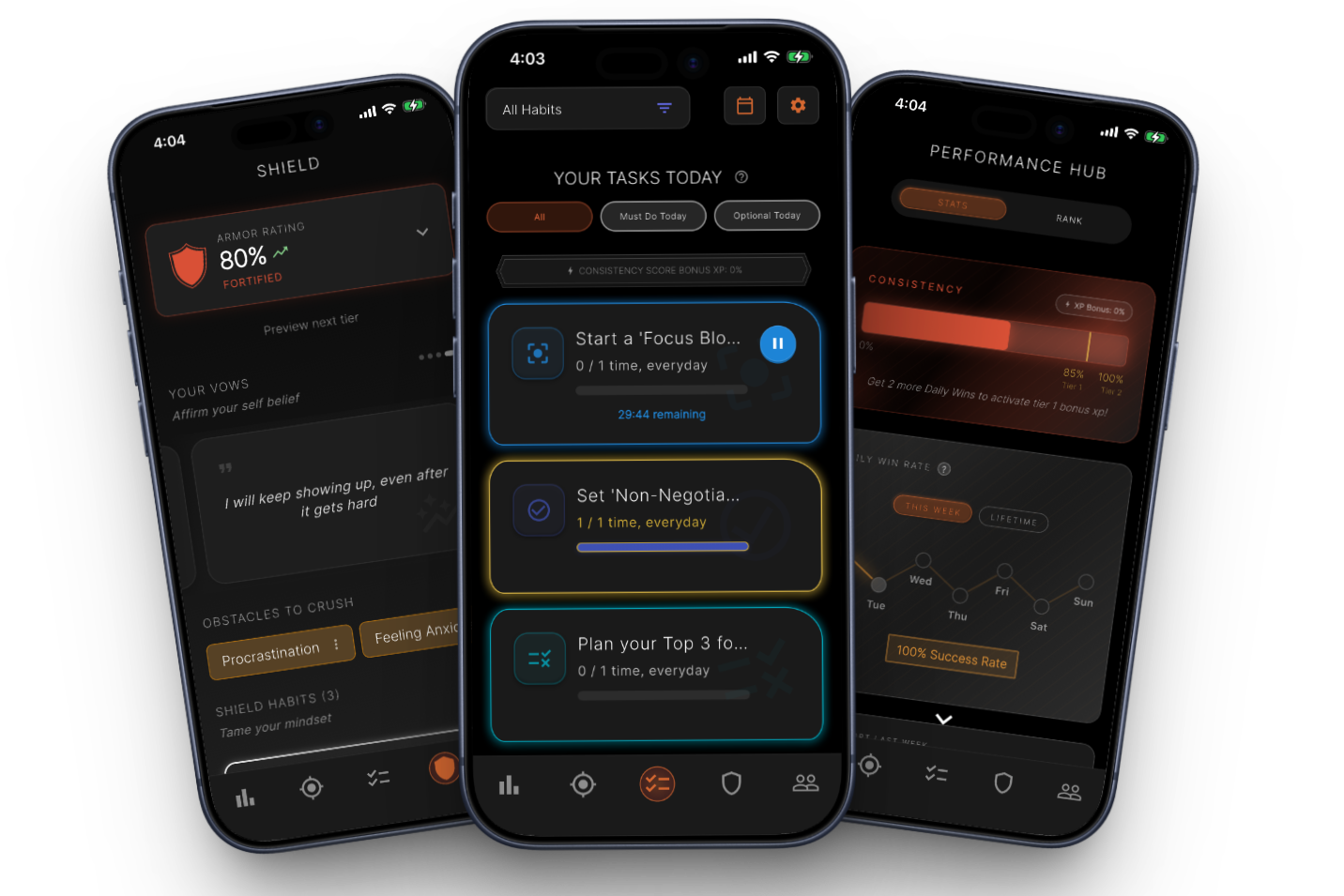
Short guidance based on what is blocking you
Small starting steps for procrastination
Resets for low motivation or overwhelm
Optional focus and app-blocking tools
Why it matters
How it supports your goal
Match help to the problem
An unclear task, low energy, and phone distraction need different responses.
Act in the difficult moment
Use the support when friction appears, not only after the day is lost.
Make recovery visible
Using helpful responses can feed progress and reinforce a stronger pattern.
Support for common blockers
Shield can guide a short breathing reset, a two-minute start, a simpler definition of done, or another response chosen for the blocker.
Focus tools when attention is the problem
When distracting apps are the main issue, Shield can lead into Focus Lock. When you need a steady work sound, Focus Beats is also available.
Good to know
What this feature does and does not do
Clear limits help you choose the right tool for the moment.
- Shield provides practical self-management support, not medical care.
- Focus Lock is optional and depends on phone permissions.
- Progress feedback depends on actions recorded in the app.
FAQ
Is Shield the same as app blocking?
No. App blocking is one optional tool. Shield also helps with procrastination, low motivation, overwhelm, and restarting.
When should I use Shield?
Use it when you know the plan but something is making the next action hard.
What is Armor?
Armor is LyfeArc's way of showing the work you do to handle recurring blockers and protect your plan.