Focus Audio
Focus Beats: Audio for Focus
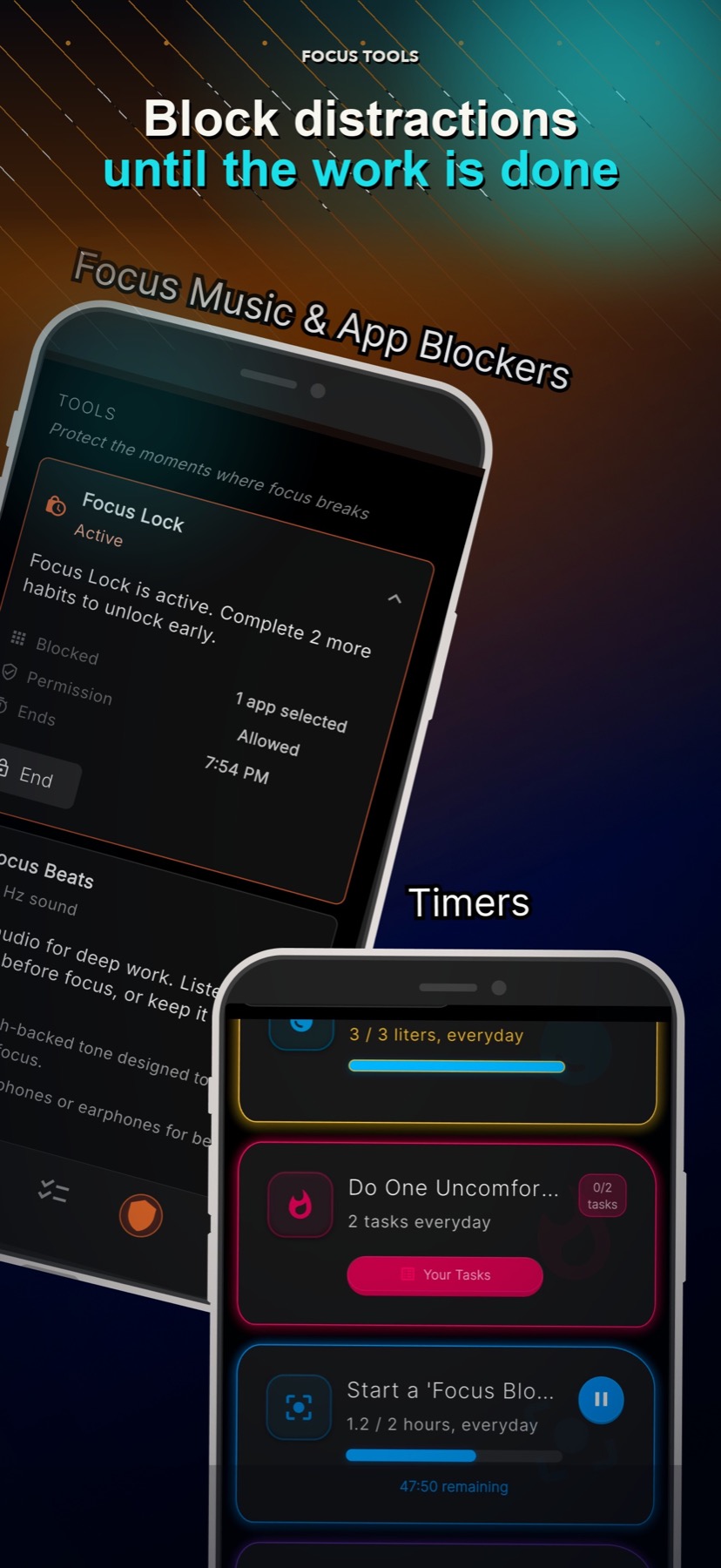
Focus Beats gives you a simple 40 Hz audio option for work or study sessions inside LyfeArc.
Quick answer
Focus Beats is optional background audio for a focused work block.
Designed for work and study sessions
Available inside LyfeArc's focus tools
Can be used with a clear daily action
Easy to start and stop
Why it matters
How it supports your goal
Create a work cue
Use the same sound as a simple signal that focused work is starting.
Keep the task in charge
The audio supports the work block; it does not decide what you should do.
Use it only when helpful
It is an optional tool, not a required part of the plan.
A simple focus option
Start Focus Beats before a planned work block, keep the volume comfortable, and stop it when the block is over.
Part of a wider focus system
Focus Beats works best with a clear task, a short work window, and fewer distractions. Focus Lock can add a stronger boundary when needed.
Good to know
What this feature does and does not do
Clear limits help you choose the right tool for the moment.
- Focus Beats is not a medical or therapeutic treatment.
- Audio preferences and results vary by person.
- Do not use audio in situations where you need full awareness of your surroundings.
FAQ
What is Focus Beats?
It is LyfeArc's optional 40 Hz audio for work and study sessions.
Does Focus Beats block apps?
No. Focus Lock handles app blocking. The two tools can support the same work session.
Is it designed for sleep?
No. Focus Beats is positioned for focus, work, and study.