Daily Planning
Daily Quest: Your Daily Plan
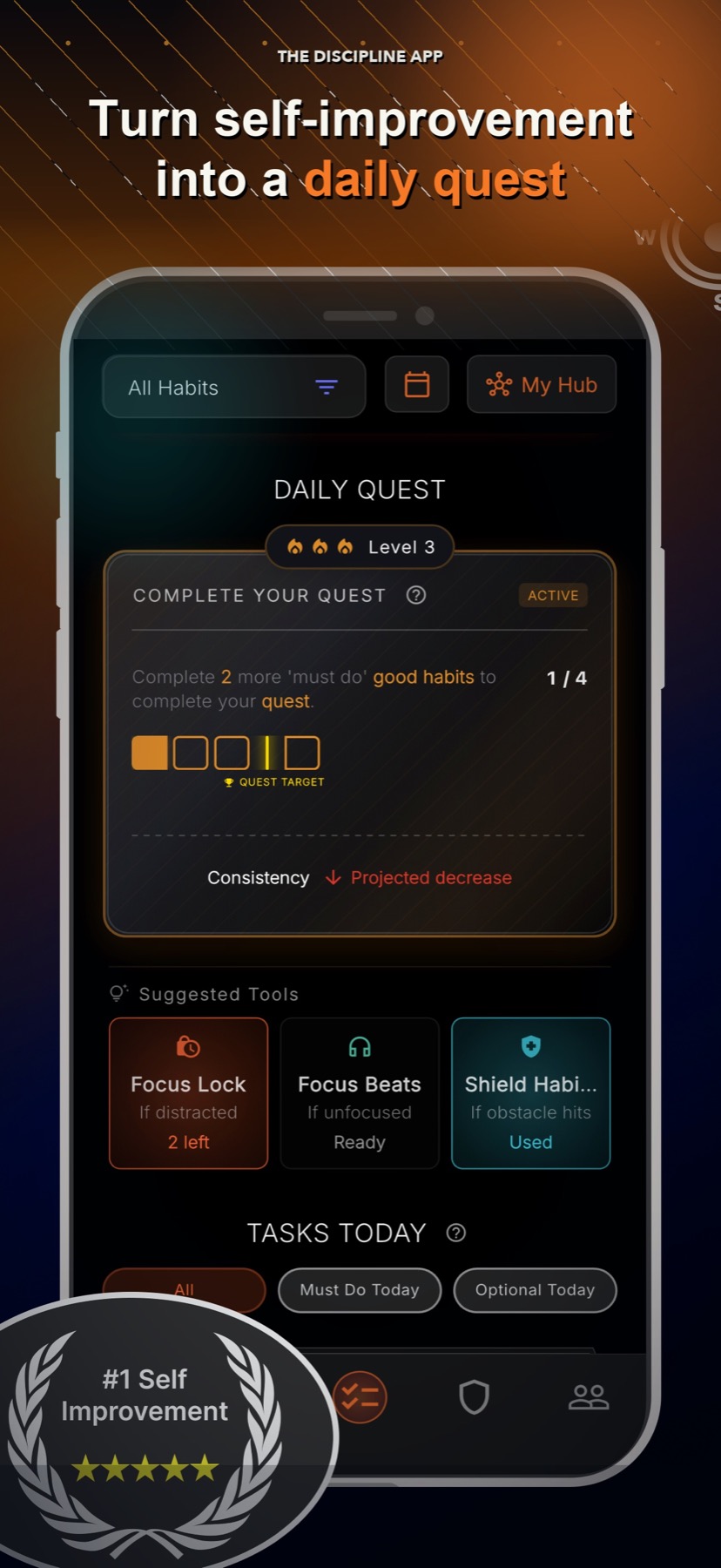
Daily Quest turns your goal plan into the actions that matter today, then adjusts as you build consistency or need to recover.
Quick answer
Daily Quest is your short daily plan. It keeps the larger goal close without making you manage a long list every morning.
Built from the goal and plan you choose
Shows the actions that matter today
Can adjust after repeated wins or misses
Feeds consistency and progress feedback
Why it matters
How it supports your goal
Know what to do next
The plan becomes a clear set of actions for today.
Keep the goal connected
Daily work stays tied to the result you are trying to reach.
Recover without starting over
Missed days become feedback instead of proof that the plan failed.
A smaller view of a larger goal
Big goals are easier to follow when today has a clear finish line. Daily Quest keeps attention on the useful actions in front of you.
A plan that can respond
Your results help shape what comes next. Repeated wins can increase the challenge, while repeated misses can make the plan easier to restart.
- Completed days build consistency.
- Misses can lead to a more manageable plan.
- Focus tools can support the daily actions when needed.
Good to know
What this feature does and does not do
Clear limits help you choose the right tool for the moment.
- Progress depends on actions recorded in the app.
- A missed day can affect feedback, but it does not erase the plan.
- LyfeArc supports daily follow-through and is not a medical treatment tool.
FAQ
Is Daily Quest a to-do list?
It is a daily action plan tied to your larger goal. It also connects to consistency, focus support, and progress.
What happens after a missed day?
The miss becomes part of your progress feedback and may help make the next plan more manageable.
Can Daily Quest work with Focus Lock?
Yes. You can use Daily Quest completion as the condition for ending a Focus Lock session.