Visible Progress
Progress and Rewards
LyfeArc turns completed actions into consistency, XP, ranks, achievements, and clear progress you can see over time.
Quick answer
Rewards make effort easier to notice. LyfeArc uses them to support the goal, not replace it.
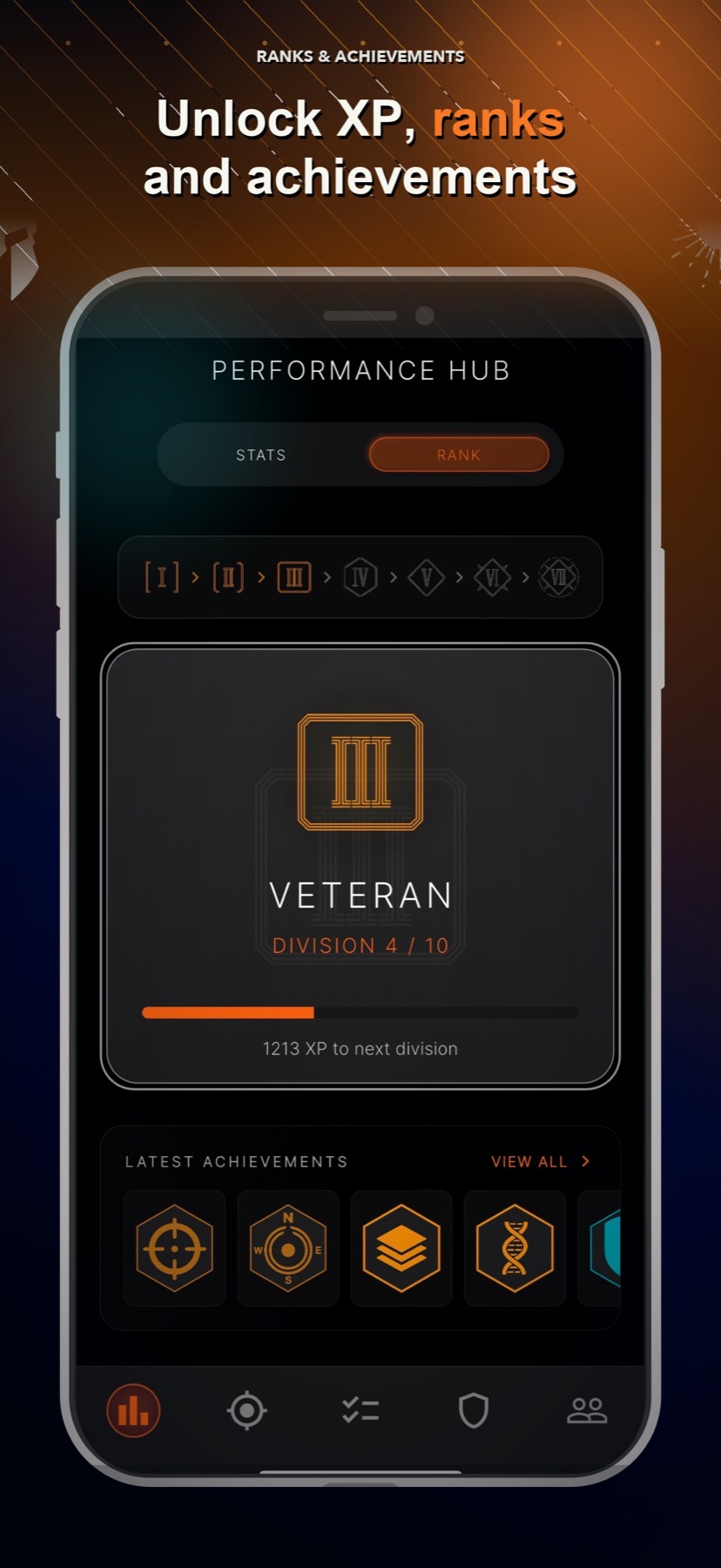
Earn XP from real actions
Build rank over time
Unlock achievements
See recent consistency and weekly progress
Why it matters
How it supports your goal
Reward useful action
Progress comes from work connected to your plan.
See more than a streak
Consistency and reports show a wider picture than one perfect chain.
Keep the long view
Ranks, phases, and Life Orb growth make accumulated effort easier to see.
Game elements with a real purpose
XP, ranks, and achievements add feedback after useful action. They are not random rewards added to an unrelated task list.
Progress that allows recovery
A missed day can affect recent consistency without erasing everything you built. The goal is steady follow-through, not a flawless record.
Good to know
What this feature does and does not do
Clear limits help you choose the right tool for the moment.
- Rewards depend on eligible actions recorded in the app.
- Progress feedback is motivational and does not guarantee a real-world result.
- Some progress views need enough activity before they become useful.
FAQ
Does LyfeArc have XP and levels?
Yes. Real actions can build XP, rank, achievements, and other progress feedback.
Is progress based only on streaks?
No. LyfeArc also uses daily outcomes, recent consistency, milestones, and longer-term progress.
What happens when I miss a day?
The miss can affect recent feedback, but it does not erase all earlier progress.